Robot Camping
Robot Camping
Robot Camping is an isometric 3D survival and camp-defense game where you play as a robot stranded on a mysterious island that grows larger with each passing day.
Features
- Expanding Procedural Island — Start on a tiny island that grows each day. New terrain, trees, enemies, loot, beaches, and underwater zones reveal themselves over time.
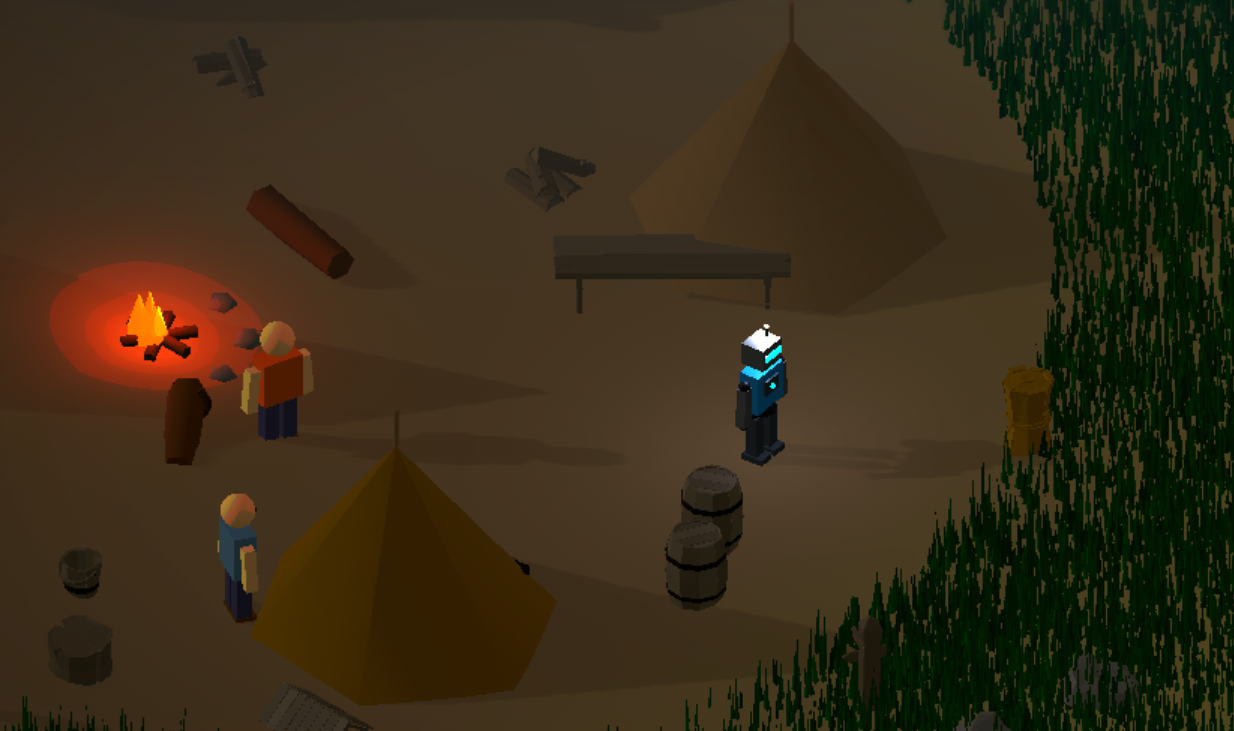
- Day/Night Runs — Explore, gather, fight, and return to the campfire to advance with a cinematic day transition.
- Persistent Browser Save — The game autosaves locally in your browser profile, including your day, resources, player position, world state, followers, camp structures, and placed defenses.
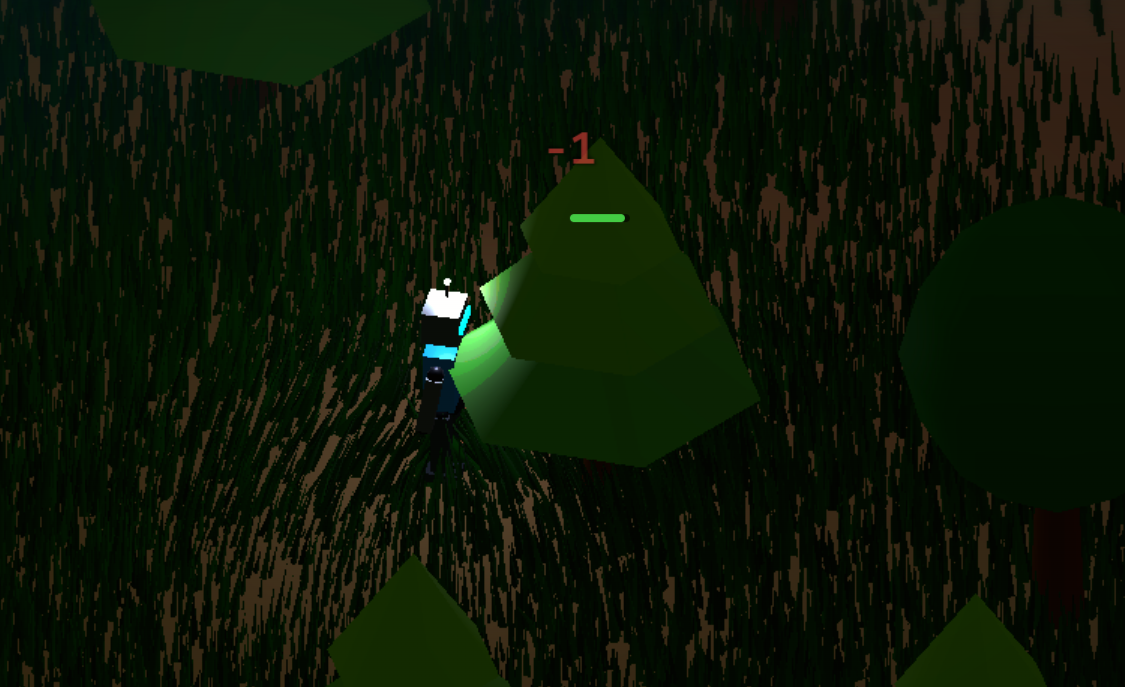
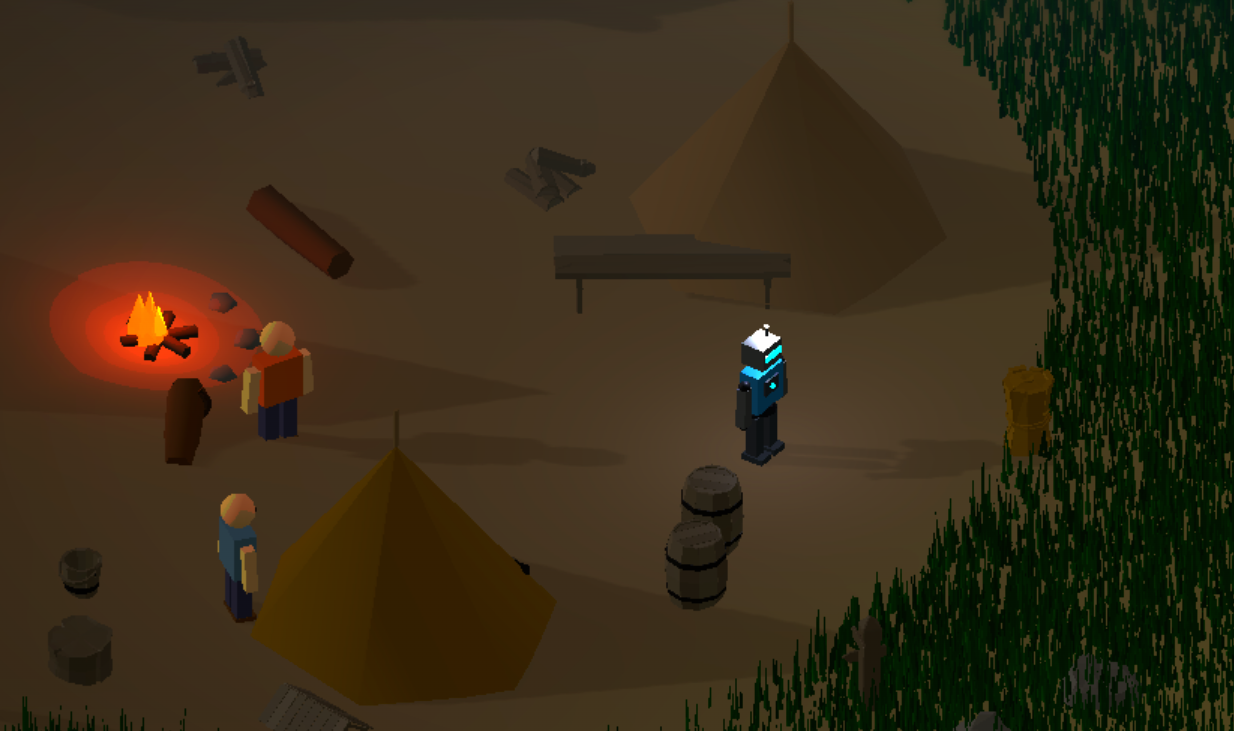
- Camp Defense — Enemies can attack the camp zone, damage barricades, sentries, tents, and eventually the campfire. If the fire goes out, the run is lost.
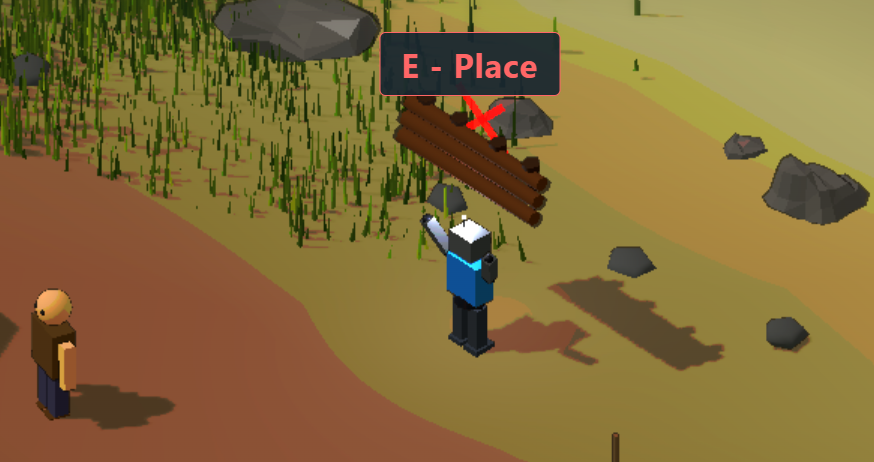
- Movable Defenses — Pick up and place sentries and barricades inside the camp rock circle. Placement is saved, and invalid spots show a clear red marker.
- Repairable Camp — Destroyed tents, barricades, and sentries can be repaired with resources. The camp has a combined HP bar so you can see how close it is to collapsing.
- Friendly Camp NPCs — Campers and traders live around the fire. NPCs can weakly fight back during attacks, and traders let you exchange wood, gold, and bones.
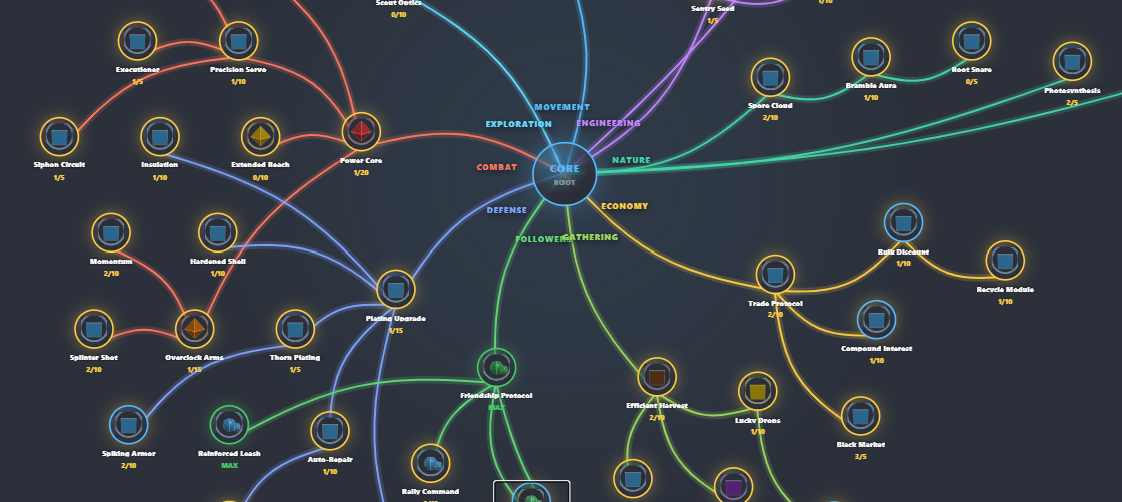
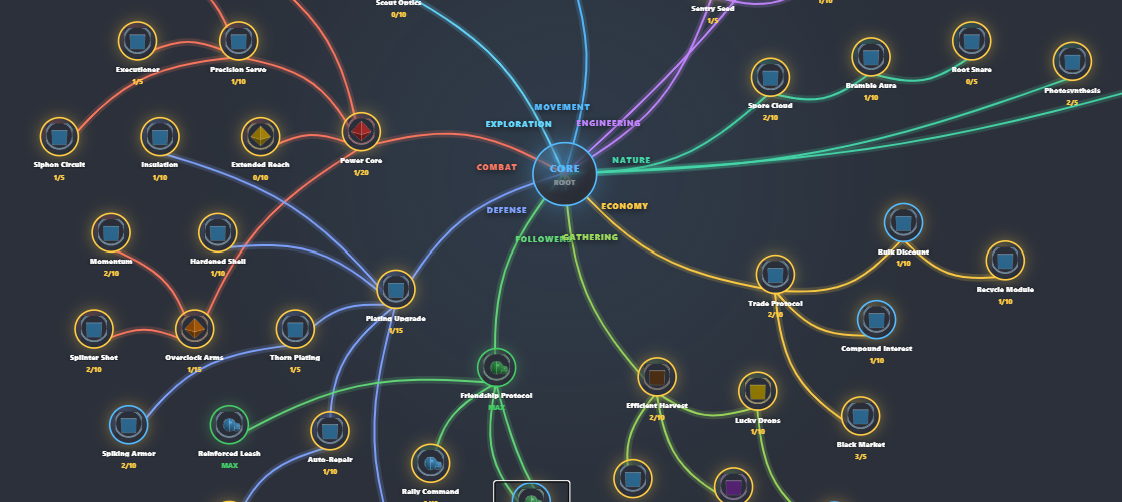
- 60+ Upgradable Skills across Movement, Combat, Defense, Followers, Gathering, Economy, Nature, and Engineering categories.
- 36 Weapons — Purchase melee and ranged weapons from the upgrade shop, from simple swords and bows to strange nature-powered gear.
- Follower System — Defeated enemies can become allies that fight alongside you. Upgrade follower count, damage, speed, healing, teleporting, sacrifice revival, and shared-damage defenses.
- Prestige System — After Day 10, reset to Day 1 with a permanent +10% stat bonus. Stack prestiges for bigger long-term runs.
- Underwater World — Explore the sea floor with coral, seaweed, sharks, turtles, and fish schools.
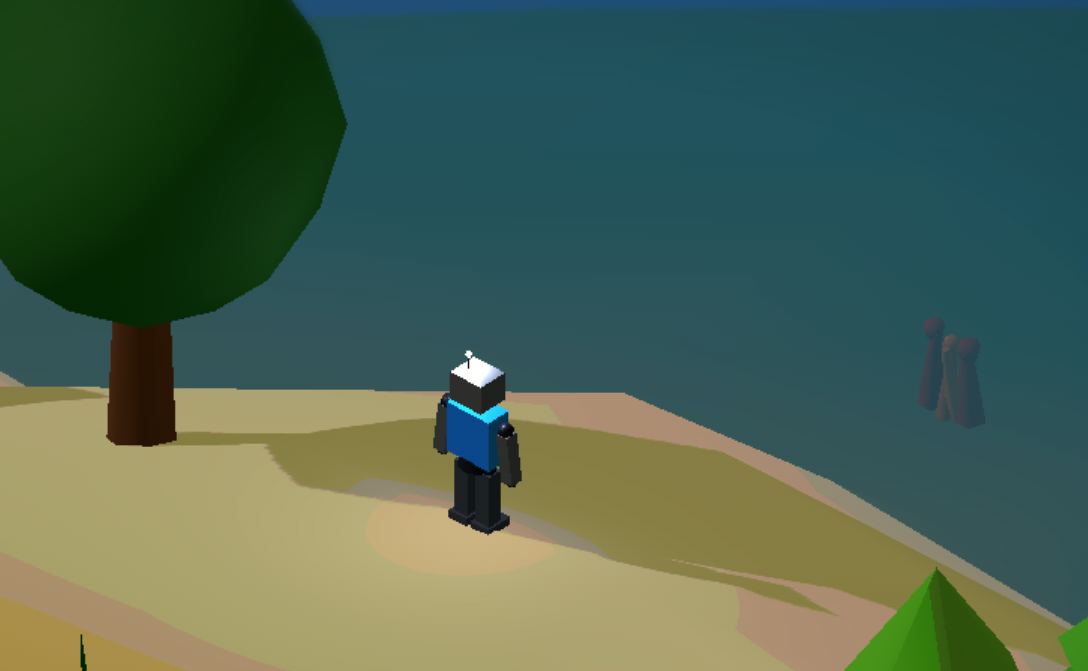
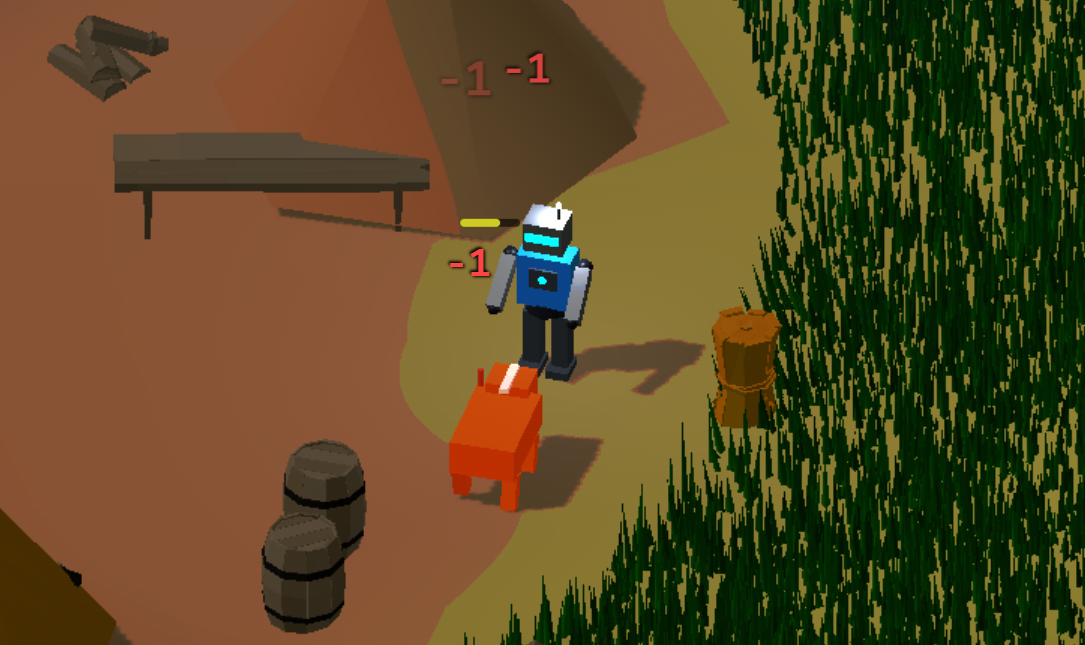
- Growing Threat — Enemy pressure, tree density, and grass coverage scale with each new day. Camp attackers ramp up slowly so the first days stay readable while later days get dangerous.
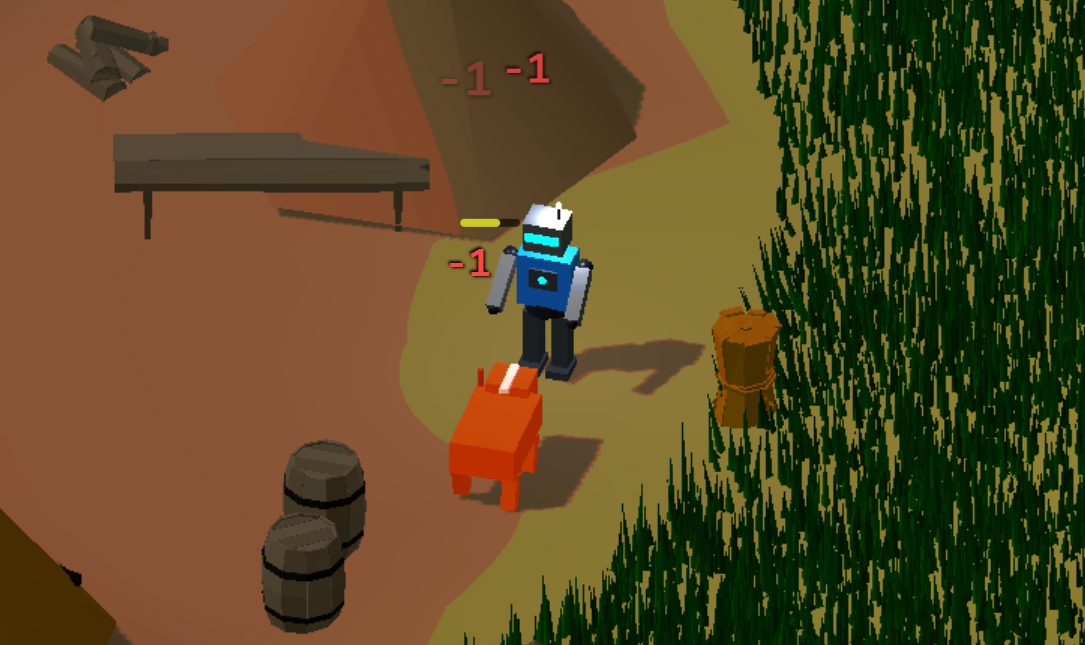
- Enemy Variety — Fight goblins, skeletons, wolves, bears, special enemy types, ranged attackers, and a later-game dragon boss.
- Procedural Terrain — Noise-based island with organic coastline, beach zones, shallow sea, and a deep trench boundary.
- Player Health — Take damage from enemies, upgrade max HP and auto-repair regen through skills, and build toward emergency shields, thorns, dodge, lifesteal, and follower sacrifice.
- Compact Upgrade UI — Browse skills and weapons with categorized upgrade cards, hover/touch details, 3D previews, reset options, and a persistent resource wallet.
- Mobile Support — Virtual joystick, touch buttons, pinch-to-zoom. Same UI works on desktop and mobile.
- 3D UI Icons — Skill nodes, weapon previews, and resource counters rendered as interactive 3D models.
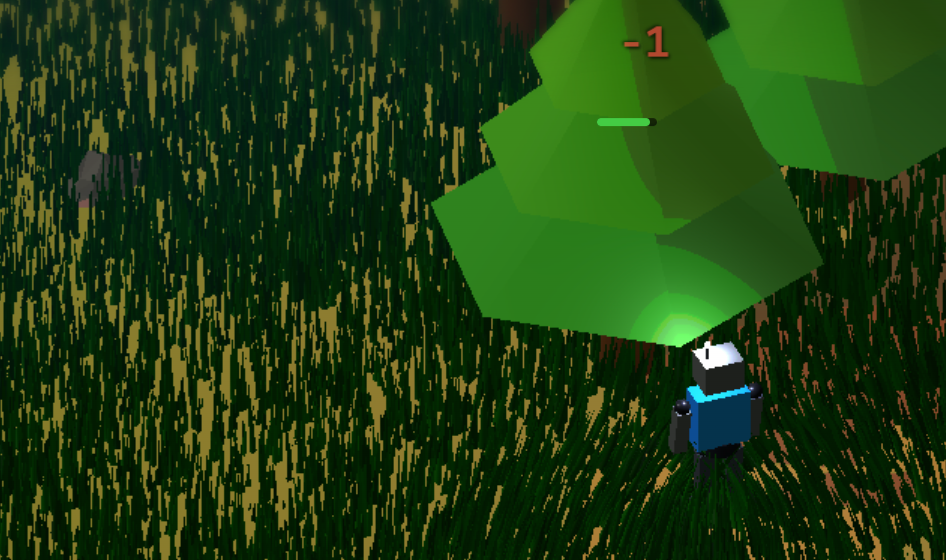
- Stylized Look — Posterization and dark outlines give the island a readable low-poly adventure style.
- WebGPU Renderer — Powered by Three.js with WebGPU for modern GPU performance.
Multiplayer
note: using free tier backend so if hiscores down = reached free limit
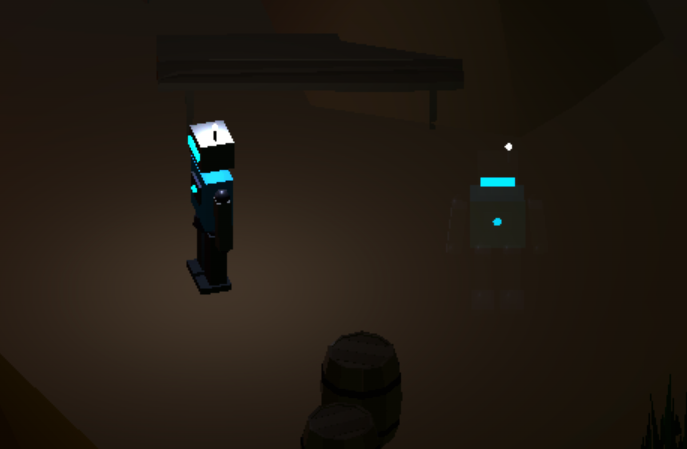
Robot Camping features asynchronous ghost multiplayer. Other players exploring the same day appear as translucent ghost robots on your island.
- Ghost Players — See other players roaming the same day in real time as glowing, translucent robots.
- No Interference — Ghosts are visual only. They can't attack your enemies, collect your loot, or interact with your world.
- Shared World — Since island layout is deterministic per day, every player on the same day sees the same terrain, trees, and enemy placements.
- Automatic Connection — Multiplayer connects automatically. No lobbies, no friend codes. Just play and see who else is out there.
- Low Latency — Position data syncs at 10 Hz with smooth client-side interpolation for fluid ghost movement.
- High Scores — Check the camp notice board for score and run progress tracking.
Controls
| Action | Desktop | Mobile |
|---|---|---|
| Move | WASD | Virtual joystick |
| Attack | Left click | ATK button |
| Jump | Space | JMP button |
| Rest / upgrades | E at campfire or click prompt | E button near campfire |
| Pick up / place sentry or barricade | E near defense or click prompt | E button near defense |
| Repair destroyed camp structure | E near repair prompt | E button near repair prompt |
| Trade resources / high scores | E near trader or notice board | E button near prompt |
| Zoom | Scroll wheel | Pinch |
| Auto-walk | Right click terrain | — |
Technical
Assets used in the game, all from CraftPix.net (Free license):
3D Models
| Pack | CraftPix ID | Assets Used |
|---|---|---|
| Free Bush 3D Low Poly Models | 561109 | Bush_temp_climate_001–013.glb, Grass_001–007.glb
|
| Free Stone 3D Low Poly Models | 676151 | Stone_big_*.glb, Stone_mid_*.glb, Stone_lit_*.glb (used for terrain decoration)
|
| Free Medieval Props 3D Low Poly Pack | 781167 | Barrel.glb, Barrel_broken.glb, Bench.glb, Bucket.glb, Chest.glb, Firewood.glb, Haystack_01–02.glb, Pot_01–02.glb, Signpost_01.glb, Stump.glb, Trough.glb, Washboard.glb, Well.glb, Axe.glb
|
Audio — SFX
| Pack | CraftPix ID | Assets Used |
|---|---|---|
| Free Futuristic Audio Pack 7 | 566158 | Footstep_1–4.wav, Footstep_alt_1–4.wav, Punch.wav, Punch_with_electricity.wav
|
| Free Music and Sounds for Cyberpunk Game Pack 1 | 648698 | Dead1.wav, Dead2.wav
|
Audio — Music & Ambient
| Pack | CraftPix ID | Assets Used |
|---|---|---|
| Free Cyberpunk Music and Sound Effects Pack 6 | 444477 | Calm_theme_Chinese_Street.mp3 (upgrade screen music)
|
| Free Music and Sounds for Cyberpunk Game Pack 1 | 648698 | Track greenzone.mp3 (gameplay music), Track Lab.mp3 (day transition music)
|
| Free Retro Futuristic Audio Pack 5 | 682092 | Snowstorm_loopable.wav (ambient loop)
|
| Engine | Three.js (WebGPU) |
| Physics | Rapier 3D |
| Save System | Browser localStorage autosave with backup normalization |
| Multiplayer | Asynchronous ghost sync by day room |
| Build | Vite + TypeScript |
| Genre | Survival / Camp Defense |
Download
Development log
- Skilltree overhaul and tutorial added94 days ago
- Visuals, ragdoll physics and performanceMay 03, 2026
- QoL updatesApr 30, 2026
- Multiplayer addedApr 26, 2026
Comments
Log in with itch.io to leave a comment.
This is a really interesting concept!
A couple issues I ran into:
Great feedback! Thank you so much, will address all this weekend promise!
Just added the fixes alongside tutorial at level 0 and much better skilltree and UI touchups